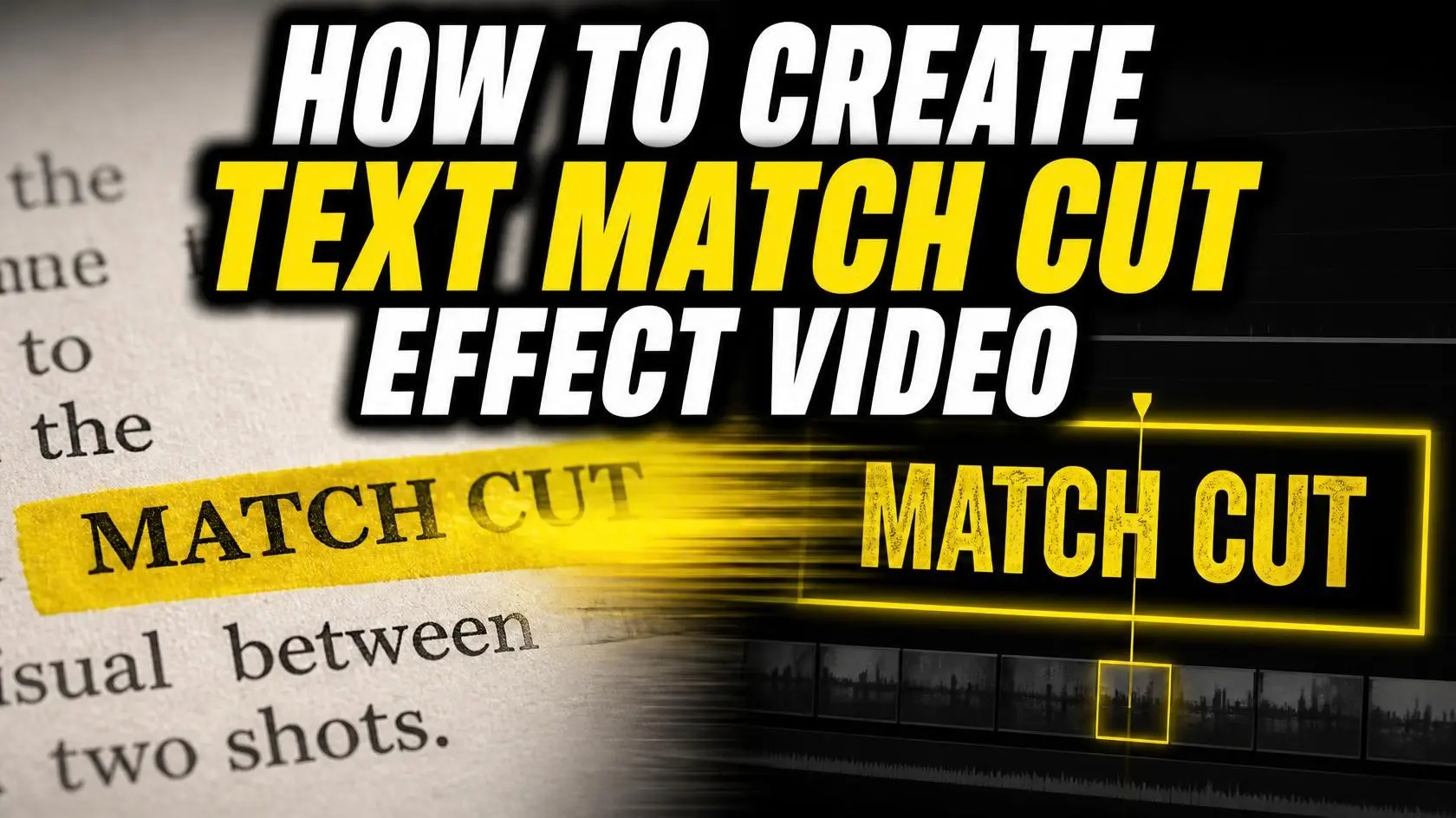
Have you ever been scrolling through Instagram or YouTube and come across a video where a word is written right in the center of the screen and doesn’t move an inch, while the world behind it the pages of newspapers, old books, colorful fonts, and digital documents changes incredibly fast in the blink of an eye? It looks so amazing and magical that our eyes stay fixed on that one word, and we end up watching the entire video without even blinking. This exciting and modern video editing technique is called a Text Match Cut. In today’s time, when people have less time and scroll through reels at lightning speed, this technique has become a powerful weapon for keeping viewers engaged with your videos. In this article, let’s understand in simple and easy-to-follow language what this effect is and how it works.
Table of Contents
What Exactly Is a Text Match Cut?
If we understand it in very simple words, a ‘match cut’ is a very old technique used in films and videos. In this technique, two different scenes are connected in such a way that their shape, size, or position appears similar. For example, a shot may show a spinning car wheel, and in the very next shot, it turns into a similarly spinning clock. When modern editors started experimenting with this old formula using written words, or text, the Text Match Cut was born.
In this technique, the video editor locks a particular word right in the center of the screen. Then, clips containing the same word written in different backgrounds, such as magazines, websites, or diaries, are cut together one after another at an extremely fast pace. The result is that the word remains fixed in the same position while the entire scene behind it keeps changing, creating a highly cinematic effect.
Why Is It So Popular on Social Media and in Documentaries?
Today, the biggest challenge for every content creator is figuring out how to grab the viewer’s attention as soon as the video begins. If the viewer doesn’t see something interesting within the first three seconds, they will immediately swipe up. This is why the Text Match Cut technique is being widely used in Instagram Reels, YouTube Shorts, and investigative journalism or documentary-style videos. When explaining a serious case study, historical story, or major scam, there is hardly a better way to showcase old files and evidence than this effect. It creates curiosity in the viewer’s mind and can make even the most boring information so interesting that people find it difficult to stop watching the video midway.
How Does This Effect Work Its Magic on the Brain?
Have you ever wondered why this effect feels so captivating? There is a small psychological reason behind it. Our brain is always looking for something on the screen where it can focus its attention. When everything in a video is changing very rapidly, our eyes can become tired. But in a Text Match Cut, because the main word remains fixed in the same place, our brain can calmly focus on and read that word. The rapid changes in the background maintain the pace of the video, while the stationary word prevents viewers from feeling overwhelmed by all the movement happening on the screen. This unique combination of stability and speed makes the video extremely engaging.
How to Create a Perfect Text Match Cut
To create this impressive visual effect, an editor needs a little planning and patience. You can easily create it using Adobe Premiere Pro, DaVinci Resolve, CapCut, or VN. The complete process can be divided into a few important steps:
- Choose the Right Words: First, identify the important words or keywords from your script that are most relevant to your story.
- Collect Clips and Footage: Next, prepare images or short video clips of that specific word written in different books, newspapers, screenshots, or fonts.
- Center Alignment: After placing all the clips on the editing timeline, use grid lines to position the word in every clip at exactly the same point in the center of the screen.
- Fast Cuts and Sound Effects: Keep each clip extremely short, around just 5 to 8 frames, so that they change rapidly. Along with this, add a light ‘Whoosh’ or ‘Paper Flip’ sound effect to every cut. This can bring the entire effect to life.
Another Easy Way to Create a Text Match Cut
If you don’t want to spend hours creating a Text Match Cut in Premiere Pro or other video editing software, there is another much easier way. There are several AI-based websites available online that can do this for you within a few seconds. You simply need to enter your text, and the tool will generate a similar video for you.
You can follow these simple steps:
Step 1: Go to an AI Video Generator website.
Step 2: Enter your text and choose your preferred style.
Step 3: Click the Generate button.
Step 4: Wait for a few seconds, and your Text Match Cut video will be ready.
Step 5: Preview the video and download it.
AI Has Completely Changed the Game
In the past, creating this kind of effect was nothing less than a headache. Editors had to spend hours manually matching every single frame and photographing each word one by one. But in today’s era of Artificial Intelligence (AI), this process can be completed in just a few moments. There are now several AI tools available online where you simply have to type your text. The AI tool can then automatically generate hundreds of different fonts, newspaper-style visuals, and book backgrounds related to that word and synchronize them into a perfectly matched sequence. This can save editors hours of work.